Packmaster
The desktop GUI for packaging your game with Roves — no Rust/Python needed.
Roves Packmaster is a desktop app that packages your already-built web game into Roves distributions — without you needing Rust or Python installed. Point it at your build output, choose what to generate, and it produces the releases for you.
It never compiles anything: it downloads the engine's own prebuilt shell and
packs your content into it by linking the engine's roves-content-packer crate directly as
a library.
1. Pick your build output
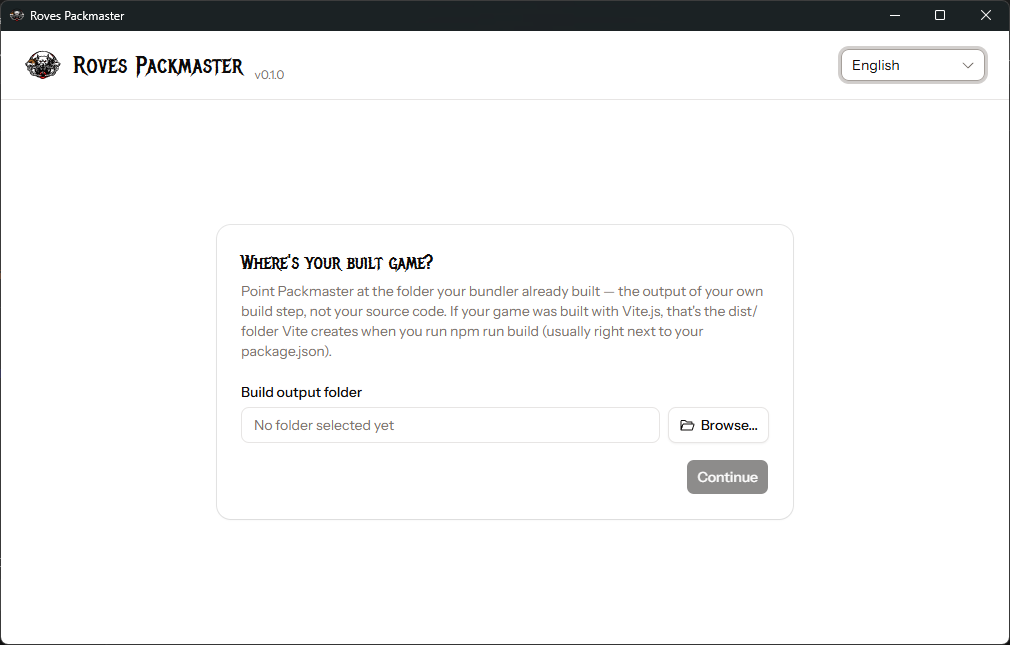
Packmaster points at your bundler's output folder (a Vite.js project's dist/, or the
equivalent from any other bundler) — not your source code. It checks for an index.html
there, and rejects a folder that still has its own package.json (a project's source root,
not its built output — Vite ships an index.html at the source root too, so that check
alone can't tell the two apart).
2. Configure your release
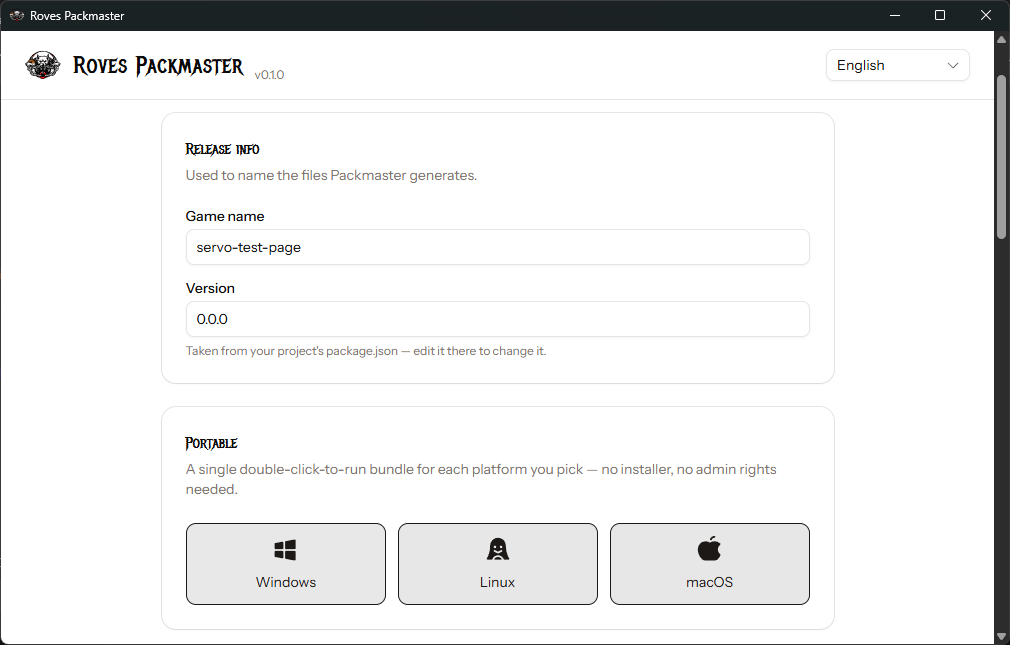
- Release info — game name and version, read from the build folder's parent
package.jsonwhen present (the version always follows it fresh; the name is remembered per source folder otherwise) and editable either way. These name the generated files and the bundled window title. - Portable — a self-contained, double-click-to-run bundle per platform. A real, live check (a HEAD request against the targeted shell release's actual asset — see the Shell section) shows whether it's currently distributable, rather than assuming it always is.
- Advanced → Compression — the same tunables as
mach bundle --content-compress. See Content packing for how it actually works — that's where this is explained in depth, not here. - Advanced → Steam — a toggle plus your Steam App ID. See
Steam integration for the full
mechanics (the Steam-enabled shell variant,
steam_appid.txt) — again, explained there, not repeated here. - Icon — a single PNG, auto-detected from your build output (
icon.png, falling back tofavicon.ico) when present, or picked manually via a file dialog. It's applied everywhere it's technically possible to apply it: Windows (the running window/taskbar icon, plus the packaged.exe's own icon via a generated multi-size.ico), Linux (the running window/taskbar icon), macOS (the Dock/app icon, via a generated.icnswritten directly into the packaged.app), and Android (the launcher icon, see below). Leave it unset and a game whose bundler already emits its ownicon.png— for a PWA manifest, say — gets that icon for free with no extra step.
3. Generate
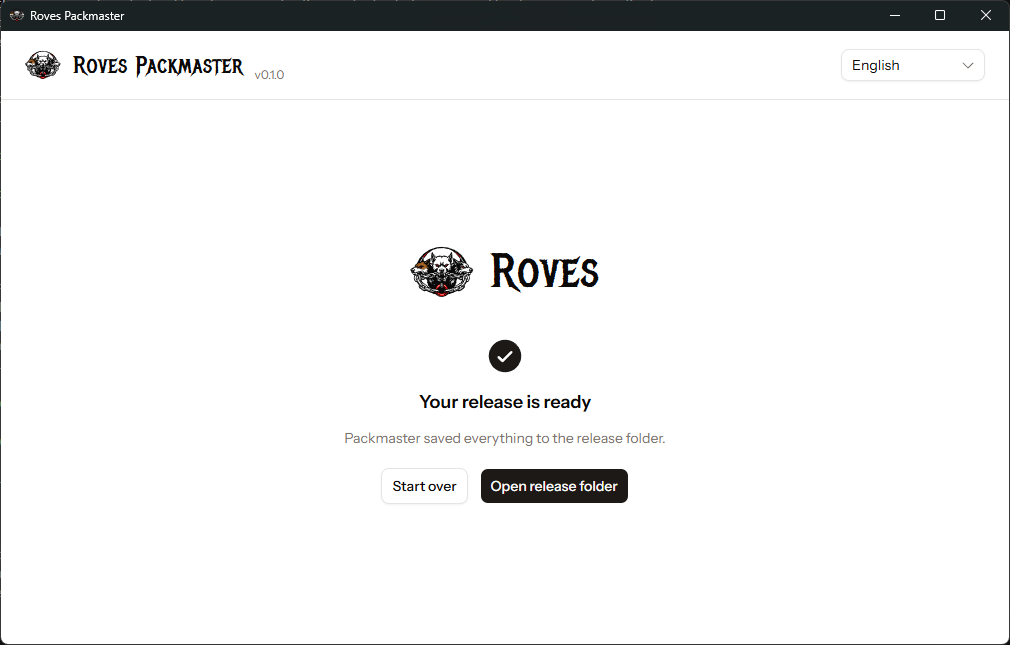
Downloads the shell, packs your content into it, and shows real, per-step progress. Opens
the folder the release was written to when done — a release/ folder next to wherever
Packmaster itself is running
from, containing one <your-game-name>_<platform>.zip per platform.